
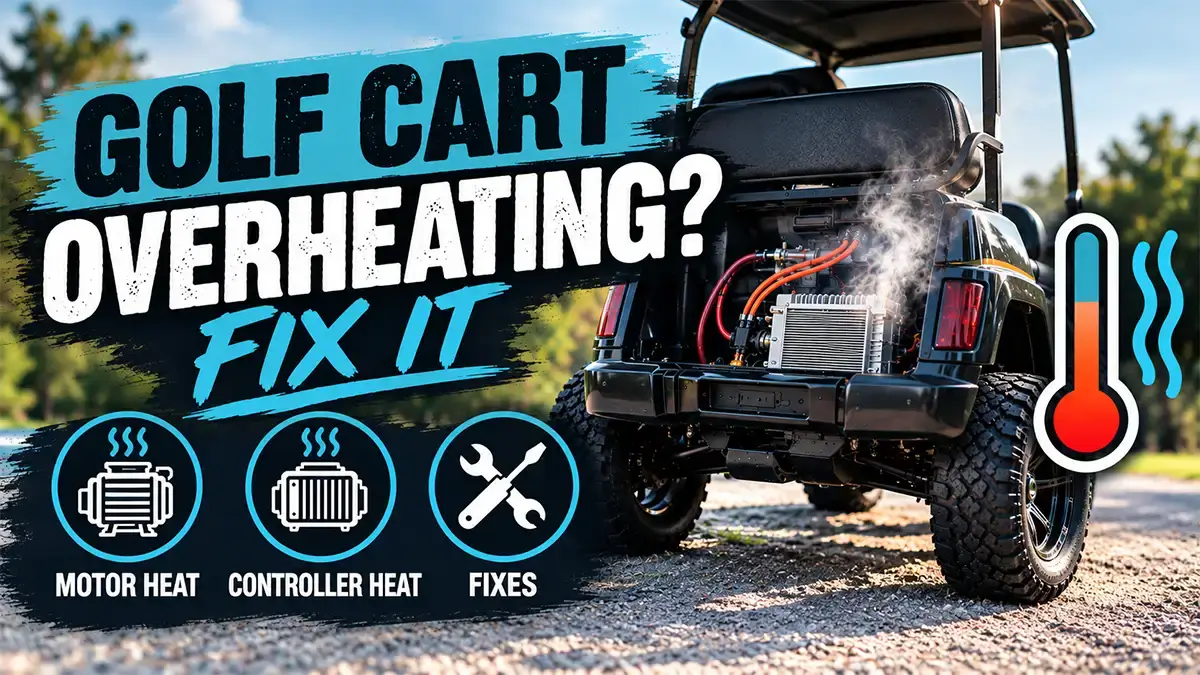
Summary: Golf cart overheating usually starts in one of two places: the motor or the controller. Motors run hot from heavy loads, steep hills, oversized tires, dragging brakes, weak batteries, and blocked vents. Controllers run hot from loose or corroded connections, poor airflow, summer heat, and speed upgrades. The fix is simple at first: stop, let the cart cool, and check the easy causes. If it keeps cutting out, it is time for a pro. Below, you will find the signs, the causes, a step-by-step fix, and a quick symptom chart.
Your cart slows down on a hill. Then it cuts out. After a short rest, it works again. That pattern is a classic sign of heat.
Heat is a warning, not a verdict. Most overheating problems come from a few common causes. So let’s find yours.
Heat is the symptom. High load, extra resistance, and poor airflow are usually the cause.
Signs Your Golf Cart Is Overheating
Look for these clues:
- The cart slows down or loses power under load.
- It shuts off, then restarts after a rest.
- You smell hot wiring or a burnt odor.
- The motor housing or cables feel very hot.
- The problem shows up on hot days, hills, or long runs.
A burning smell is serious. Stop right away and do not keep driving.
Not sure it is heat at all? Our general golf cart troubleshooting guide can help you narrow it down. If the cart will not start, read troubleshooting a golf cart that won’t start.
Motor Heat: Why Your Golf Cart Motor Gets Too Hot
The motor turns battery power into motion. Any extra work makes it pull more current. More current means more heat.
Common causes of motor heat
- Heavy loads and steep hills. Full seats, cargo, and long climbs push the motor hard.
- Oversized tires or a lift. Big tires act like a taller gear. The motor must work harder to turn them. Our lift kit guide and mud tire guide explain the trade-offs.
- Dragging brakes. A stuck brake or a parking brake that does not fully release adds drag. See our guide to brake problems and worn pads.
- Low tire pressure. Soft tires add rolling resistance. Read how to fix a flat tire or book tire service.
- Weak or aging batteries. When voltage sags, the motor draws more current to do the same work. Compare your options in our lead-acid vs. lithium battery guide.
- Worn parts inside the motor. Bad bearings or worn brushes (on DC motors) create friction and heat.
- Blocked vents. Dust, grass, and mud can clog the cooling openings.
Quick rule: If the cart works harder than it used to, it will run hotter than it used to.
Is it the motor? Check these clues
A hot motor often comes with a grinding or whining noise. It may also smell like hot metal or varnish. Our motor troubleshooting guide walks through the other signs of a failing motor.
Controller Heat: The Hidden Cause
The controller is the cart’s brain for power. It sits under the seat or near the rear, depending on your model. It manages how much current reaches the motor. That job creates heat.
Most controllers protect themselves. When they get too hot, they cut back power. You feel it as a slow, weak cart. Some cut out fully.
Common causes of controller heat
- Loose or corroded connections. Poor contact creates resistance. Resistance creates heat at the lug or cable.
- Poor airflow. Dirt, a stuffed under-seat area, or a blocked heat sink traps heat.
- Hot weather. Summer temperatures leave less room before the controller reaches its limit.
- Speed or power upgrades. A higher-amp controller or motor swap makes more heat. Our guide to extreme golf cart modifications shows what else changes when you push a cart.
- Moisture and dirt. Water and grime can damage the circuitry.
- A failing controller. Age and heat cycles wear out parts over time.
Pro Move: Reddit Insight. One owner on Reddit described the problem like this: “temperature goes above 50°C… shuts down.” That is about 122°F.
That kind of cutoff usually comes from a protection circuit. It may be the controller’s thermal cutback. On a lithium cart, it can also be the battery’s built-in protection. The exact trigger point depends on your parts, so check your manual.
If your cart loses power but is not shutting down, read why your golf cart is losing power. If it hesitates or jerks, our sister site covers golf cart accelerator problems.
How to Fix Golf Cart Overheating
Start with the cheap, easy checks. Then move to the harder ones.
Safety first
- Turn the key off and set the cart to its tow or maintenance mode.
- Let the cart cool before you touch anything.
- Disconnect the main battery before you handle wiring. Follow the maker’s steps, especially on lithium carts.
- Never spray water on a hot motor or controller.
Step-by-step fixes
- Stop and cool down. Park in the shade for 20 to 30 minutes. Keep the seat up if it is safe to do so.
- Check tires and brakes. Fill tires to the right pressure. Make sure the parking brake releases. Spin each wheel by hand and feel for drag.
- Lighten the load. Remove cargo and passengers. Take hills slowly.
- Inspect connections. Look for discolored, melted, or green corroded terminals. Clean them and tighten to spec.
- Clear the vents. Remove dust, grass, and debris around the motor and controller.
- Test the batteries. Check voltage and, on lead-acid carts, water levels. Follow our battery charging guide. If the cart will not hold a charge, see the not charging troubleshooting guide.
- Review your upgrades. Big tires, a lift, or a speed controller may be the real cause.
- Improve airflow. Where your model allows it, add airflow or a small cooling fan near the controller.
- Get a diagnosis. If the problem returns, have a technician test the motor, controller, and wiring.
Do not guess with wiring. One bad connection can cause heat. The wrong fix can cause a fire.
Quick symptom chart
| What you notice | Likely cause | First thing to try |
|---|---|---|
| Slows on hills, then recovers | Load or weak batteries | Lighten load, test batteries |
| Cart drags when coasting | Brakes or low tire pressure | Check brakes, set tire pressure |
| Burning smell near the motor | Motor wear or overload | Stop, cool, and get it inspected |
| Loses power only on hot days | Controller heat | Clear airflow, check connections |
| Shuts off, restarts after rest | Thermal protection | Cool down, then find the cause |
| Hot cable or lug | Loose or corroded connection | Clean and tighten the terminal |
How to Prevent Overheating
- Park in the shade during summer.
- Keep the under-seat area clean and clear.
- Check tire pressure each month.
- Test your batteries a few times a year.
- Avoid overloading the cart.
- Follow a regular service plan. See our tips to extend your golf cart’s lifespan.
When to Call a Pro
Call a technician if you see any of these:
- A burning smell or smoke.
- Melted insulation or scorched terminals.
- Repeated shutdowns after you fix the simple causes.
- A motor that is loud, rough, or too hot to approach.
- A controller that keeps cutting power.
Our golf cart service department can diagnose heat issues and repair the cause. We handle motors, controllers, wiring, batteries, and more.
Thinking About an Upgrade?
If your cart is old or constantly overworked, a newer cart may save you money. Compare new golf carts and electric golf carts. If you plan to drive on public roads, see our street legal golf carts for sale.
Frequently Asked Questions
Why does my golf cart keep overheating?
Most golf carts overheat because of the motor or the controller. Heavy loads, steep hills, oversized tires, dragging brakes, weak batteries, loose connections, and poor airflow are the usual causes. Start by checking tires, brakes, and connections.
What temperature is too hot for a golf cart motor?
The safe limit depends on your motor, controller, and battery system. Some carts have protection that cuts power at fairly low readings, and one Reddit owner reported a shutdown above 50°C (about 122°F). Check your owner’s manual or ask a technician for your model’s limits.
Can a hot controller make my golf cart slow down?
Yes. Many controllers reduce power when they get too hot to protect themselves. You will feel the cart get slow or weak, and power often returns after it cools. If it keeps happening, the cause still needs to be fixed.
How long should I let an overheated golf cart cool down?
Plan on 20 to 30 minutes in the shade, with the key off. Do not touch hot parts or spray them with water. If the cart overheats again soon after, stop driving and have it inspected.
Do bigger tires or a lift kit cause golf cart overheating?
They can. Taller tires act like a taller gear, so the motor has to work harder to turn them. This is most noticeable on hills and with stock motors, and a speed upgrade can add even more heat.
Is it safe to keep driving an overheating golf cart?
No. Driving through repeated overheating can damage the motor, controller, or wiring. If you smell burning or see melted wiring, stop right away and have the cart serviced.
Need Help With an Overheating Cart?
Call Central Coast Carts at 805-225-5228 or schedule a visit with our service department in Grover Beach. We will find the cause and get you back on the road.